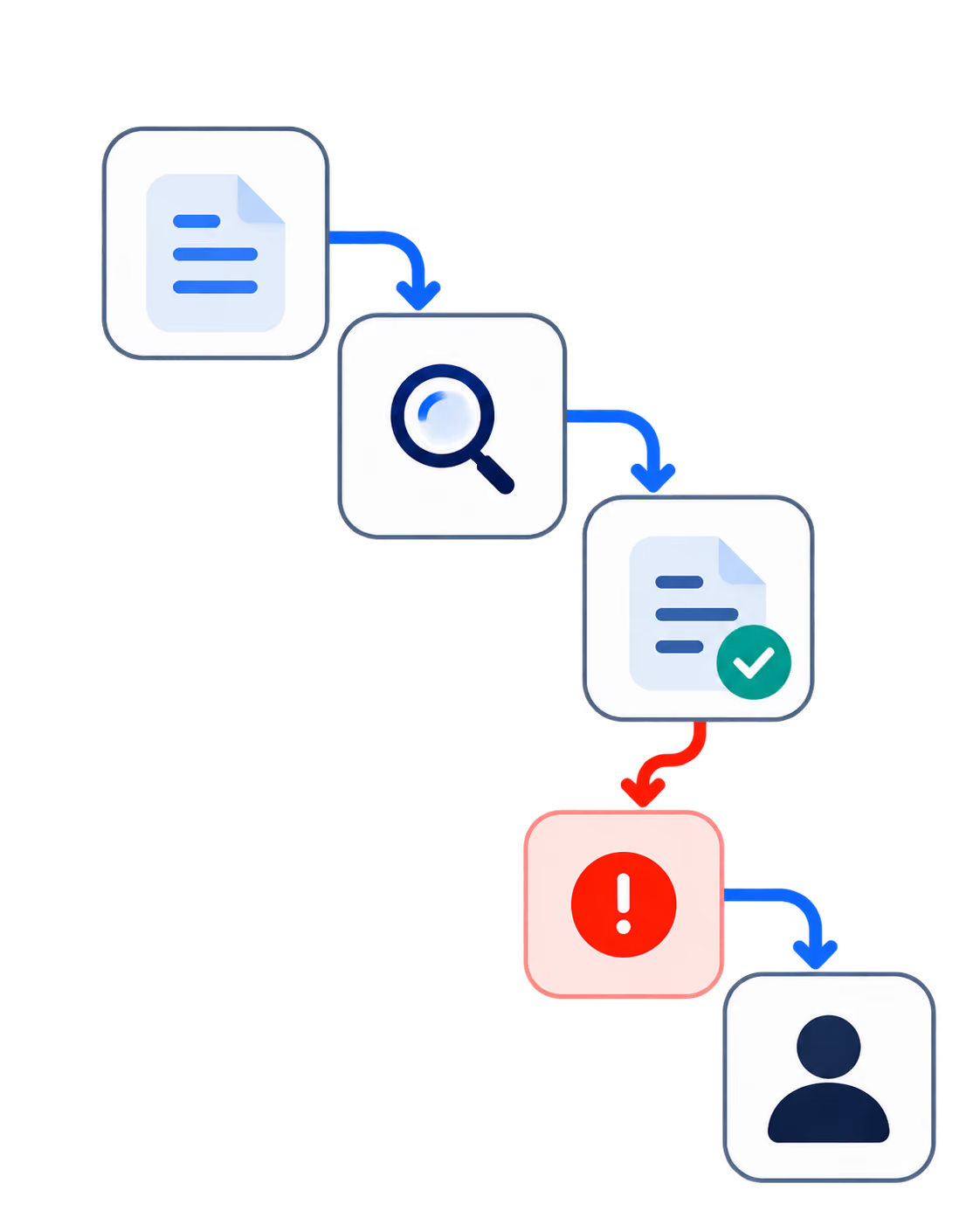
In the fast-paced world of software development, getting a product to market quickly while minimizing risk is critical for success. One of the most effective ways to achieve this is by building a Minimum Viable Product (MVP). The MVP approach allows you to validate your idea, test the waters, and gather feedback, all while keeping development costs and timelines in check. In this comprehensive step-by-step guide, we’ll walk you through everything you need to know about MVP development in software, from planning to execution and iteration.

What Is an MVP in Software Development?
Minimum Viable Product (MVP) is a version of a product with just enough features to satisfy early adopters and provide valuable feedback for future development. Unlike a fully polished product, the MVP is a lean version that focuses on the core functionality needed to solve the problem your target users face.
The purpose of an MVP is to validate your idea and test it in the market with minimal risk. It allows you to see whether your target audience is interested in your product before investing significant time and resources into full development. This iterative process is especially crucial for startups or companies venturing into untested markets.
Why Build an MVP?
Before diving into the step-by-step guide, it’s important to understand why building an MVP is so valuable, particularly in 2026s competitive software landscape.
1. Risk Mitigation
The tech industry is littered with stories of companies that invested significant resources into building full-fledged products, only to discover there was no market demand. An MVP helps mitigate this risk by validating the product-market fit early.
2. Speed to Market
In 2026, where time-to-market can be the difference between success and failure, an MVP allows you to release a functional product quickly, gaining a competitive edge.
3. User-Centered Development
By launching with core features and gathering feedback from real users, an MVP enables you to build what users actually need, instead of what you assume they need. This ensures that future development is guided by real-world insights.
4. Cost Efficiency
Developing a full-scale software solution is costly, and building an MVP reduces that cost by focusing on the essentials first. You can start small and iterate based on feedback without burning through your budget.
Now, let’s break down the steps involved in building a successful MVP for software development.

Step 1: Conduct Market Research
Before you start building, you need to determine whether there is a real demand for your idea. Conducting market research helps you understand your target audience, their pain points, and how your MVP can address these issues. Here’s how to do it:
1. Identify Your Target Audience
Who are you building this product for? Define your user personas, focusing on their demographics, needs, and behaviors. Understanding your audience helps you tailor your MVP to their specific problems.
2. Analyze Competitors
Is someone already solving this problem? Analyze the competitors in your space to understand their strengths and weaknesses. This helps you identify opportunities for differentiation and ensures that you’re not duplicating existing solutions.
3. Validate the Problem
Finally, engage with your target audience directly through surveys, interviews, or focus groups to validate that the problem you’re solving is real and significant enough to warrant a new product.
Step 2: Define the Core Features
An MVP isn’t about building a half-baked version of your full product. It’s about creating a solution that addresses the core problem effectively. To do this, you need to focus on the essential features that deliver the most value. Here’s how:
1. Prioritize Features
List all the features you envision for your product, then prioritize them based on importance. The key here is to determine the must-have features that your MVP absolutely needs to solve the problem. Anything that doesn’t directly contribute to solving the core problem can be left for future iterations.
2. Define Your Value Proposition
Your value proposition should be clear and simple. What’s the core benefit your product provides, and how will it improve your users’ lives? Your MVP should focus entirely on delivering that value.
3. Keep It Lean
Remember, an MVP should be lean and efficient. It’s tempting to add extra features, but doing so dilutes the purpose of the MVP. Focus on the minimum set of features that will allow you to test your hypothesis.

Step 3: Create a User Flow
Before development begins, it’s essential to map out how users will interact with your MVP. A well-designed user flow ensures that your product is intuitive and delivers a seamless experience. Here’s what to consider:
1. Define the User Journey
What are the steps a user takes from discovering your product to achieving their goal? Define each stage of the user journey and make sure that the MVP provides a smooth, logical flow through each one.
2. Optimize for Simplicity
Simplify the user flow as much as possible. The MVP should be easy to use, with minimal friction. Even with limited features, the product should guide users toward their goals without confusion.
Step 4: Develop and Design the MVP
Now that you’ve validated the idea, defined core features, and mapped out the user flow, it’s time to start development. This phase requires careful collaboration between your UX designers and developers to ensure that the product is both functional and user-friendly.
1. Choose the Right Tech Stack
Your tech stack should be chosen based on your MVP’s specific needs, scalability, and speed of development. In 2024, leveraging frameworks like React or Vue.js for the frontend, along with Node.js or Python for the backend, are popular choices for rapidly building MVPs.
2. Focus on Usability
Even though it’s an MVP, the user experience is crucial. A poorly designed MVP can drive users away before you even get a chance to gather feedback. Your UX/UI design should focus on clarity, ease of use, and intuitive interactions.
3. No-Code/Low-Code Tools
For certain MVPs, especially in the early stages, no-code/low-code platforms can drastically reduce development time and costs. Tools like Bubble or Webflow allow teams to create functional prototypes without heavy coding.
Step 5: Test and Launch the MVP
Once your MVP is developed, it’s time to test and launch. The goal is to gather real user feedback to validate your product’s viability and iterate accordingly.
1. Alpha and Beta Testing
Before a full launch, run alpha testing internally to catch major bugs and usability issues. Then move on to beta testing with a select group of real users. This helps you iron out any final issues and gather initial feedback.
2. Launch Strategy
Your launch strategy should focus on getting the MVP in front of the right people. Use channels like email lists, social media, and paid advertising to reach early adopters. Ensure that the launch is aligned with your goals—whether it’s testing market demand, gathering feedback, or validating features.
Step 6: Gather Feedback and Iterate
Post-launch, your job isn’t done. This is where the real work begins—gathering user feedback, analyzing behavior, and making data-driven decisions on how to improve the product.
1. Analyze User Feedback
Track how users are interacting with your MVP. Are they using it as expected? Where are they facing challenges? Engage with your early adopters through surveys, interviews, and analytics tools to gather qualitative and quantitative feedback.
2. Prioritize Improvements
Based on the feedback, create a list of improvements and prioritize them according to user needs and business goals. Focus on enhancing the core experience before adding new features.
3. Continue Iterating
The beauty of an MVP is that it’s a living product. Use each iteration to refine the product, adding features and making improvements based on real-world usage.
Step 7: Scale and Grow
Once your MVP has been validated and refined based on feedback, it’s time to start scaling. This involves:
1. Building Out Features
Now that you’ve validated the core product, you can start adding additional features that enhance the user experience, improve engagement, or open up new revenue streams.
2. Scaling Infrastructure
Ensure that your tech stack is scalable. As you grow your user base, you’ll need to handle increased traffic and data efficiently. Optimize your backend architecture to support scaling efforts.
3. Expanding Your User Base
With a validated product in hand, it’s time to ramp up your marketing efforts and scale your user base. This can involve expanding into new markets, investing in paid acquisition, and leveraging partnerships to increase visibility.
Conclusion
Building an MVP in 2026 is all about speed, validation, and continuous improvement. By following this step-by-step guide, you’ll not only get your product to market faster, but you’ll also ensure that you’re building something that users truly want and need.
At Codebridge, we specialize in MVP development, guiding startups and enterprises through each step of the process, from concept to launch and beyond. If you’re ready to turn your idea into a market-ready MVP, let’s chat!
FAQ
What is an MVP in software development?
An MVP (Minimum Viable Product) is the simplest functional version of a product that delivers core value to users. It is built to validate business ideas, test assumptions, and gather real user feedback with minimal time and investment.
Why is building an MVP important?
Fast-changing markets and user expectations make early validation critical. MVPs help teams reduce risk, adapt quickly, and align product development with real customer needs before committing to full-scale builds.
What are the key steps in MVP development?
The MVP process typically includes idea validation, market research, defining the core problem, feature prioritization, UX/UI design, development, testing, and launching to early adopters followed by feedback analysis.
How do you decide which features to include in an MVP?
Features should directly support the primary user problem and business goal. Techniques like user journey mapping, MoSCoW prioritization, and feedback from potential users help identify essential functionality while avoiding feature overload.
How long does it take to build an MVP?
Most MVPs take between 8 and 16 weeks to build, depending on complexity, platform, and team structure. Agile development and iterative releases help keep timelines predictable and efficient.
What happens after an MVP is launched?
After launch, teams analyze user behavior, collect feedback, and measure performance against success metrics. These insights guide product iteration, scaling decisions, or pivots toward a more viable solution.
















Heading 1
Heading 2
Heading 3
Heading 4
Heading 5
Heading 6
Lorem ipsum dolor sit amet, consectetur adipiscing elit, sed do eiusmod tempor incididunt ut labore et dolore magna aliqua. Ut enim ad minim veniam, quis nostrud exercitation ullamco laboris nisi ut aliquip ex ea commodo consequat. Duis aute irure dolor in reprehenderit in voluptate velit esse cillum dolore eu fugiat nulla pariatur.
Block quote
Ordered list
- Item 1
- Item 2
- Item 3
Unordered list
- Item A
- Item B
- Item C
Bold text
Emphasis
Superscript
Subscript